Tools, Templates & Resourcesfor Brand Identity Designers
Boost your speed and precision with premium Adobe Illustrator extensions, presentation templates, and professional resources built specifically for brand identity designers.
Productivity Boost
Featured Extensions
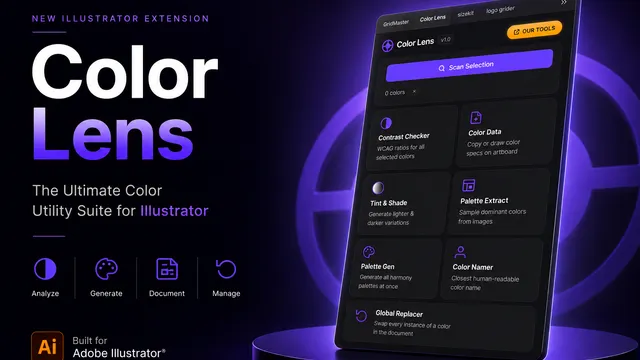
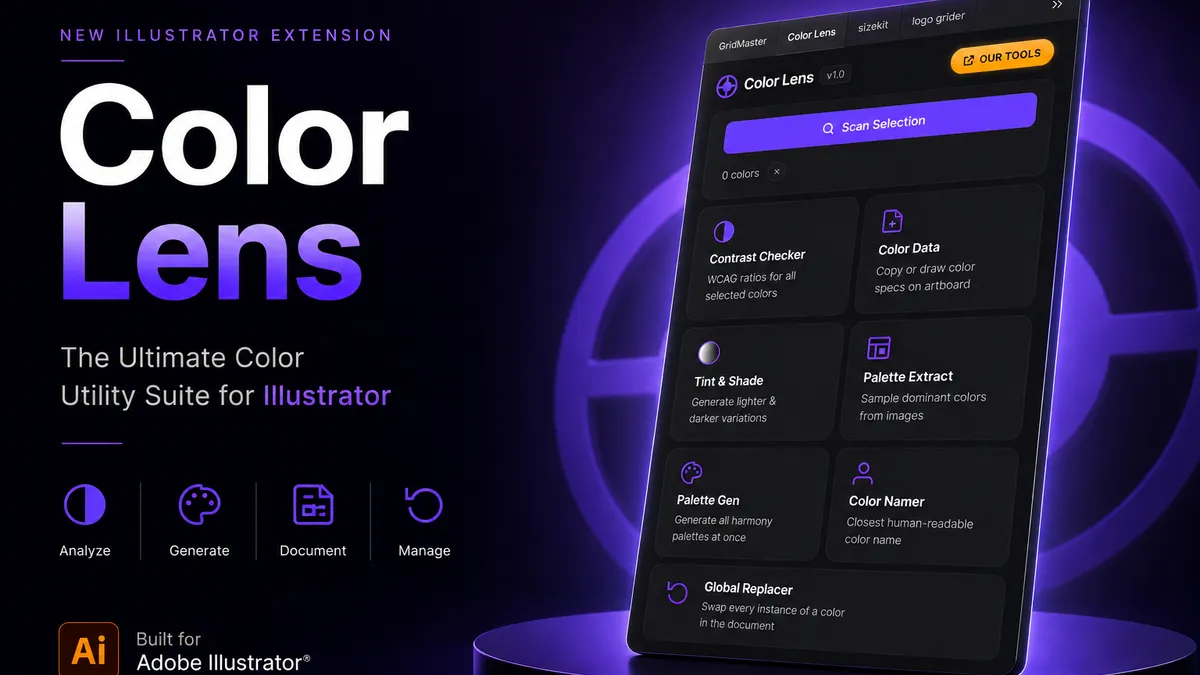
ColorLens
Generate palettes, check WCAG contrast, extract image colors, and export specification sheets directly inside Adobe Illustrator with ColorLens.
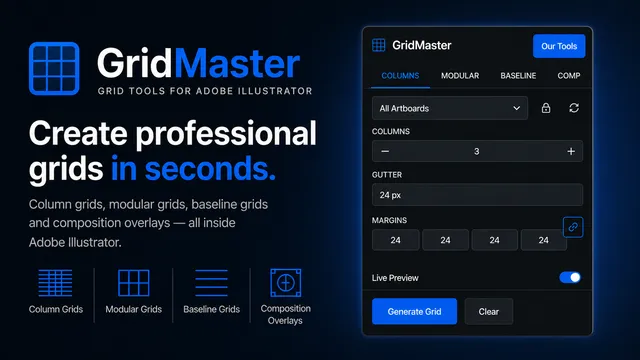
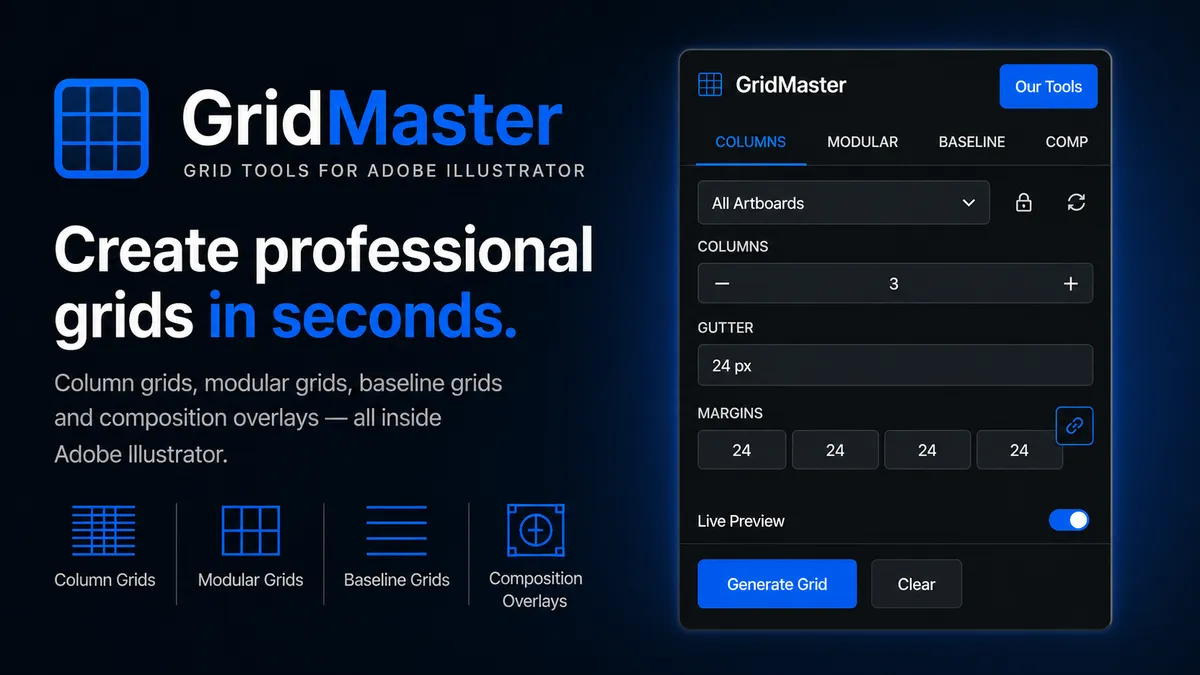
GridMaster
Create precise, professional vector layouts in seconds. GridMaster generates column, modular, baseline, and composition grids in Illustrator.
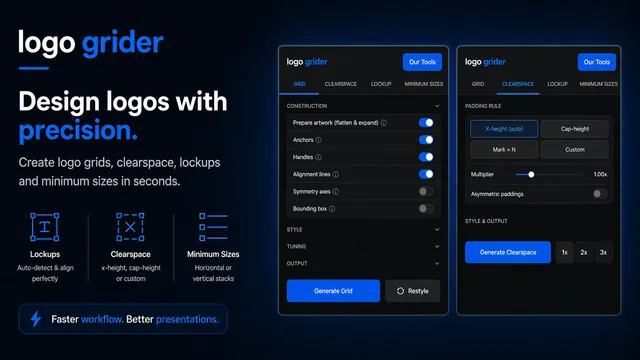
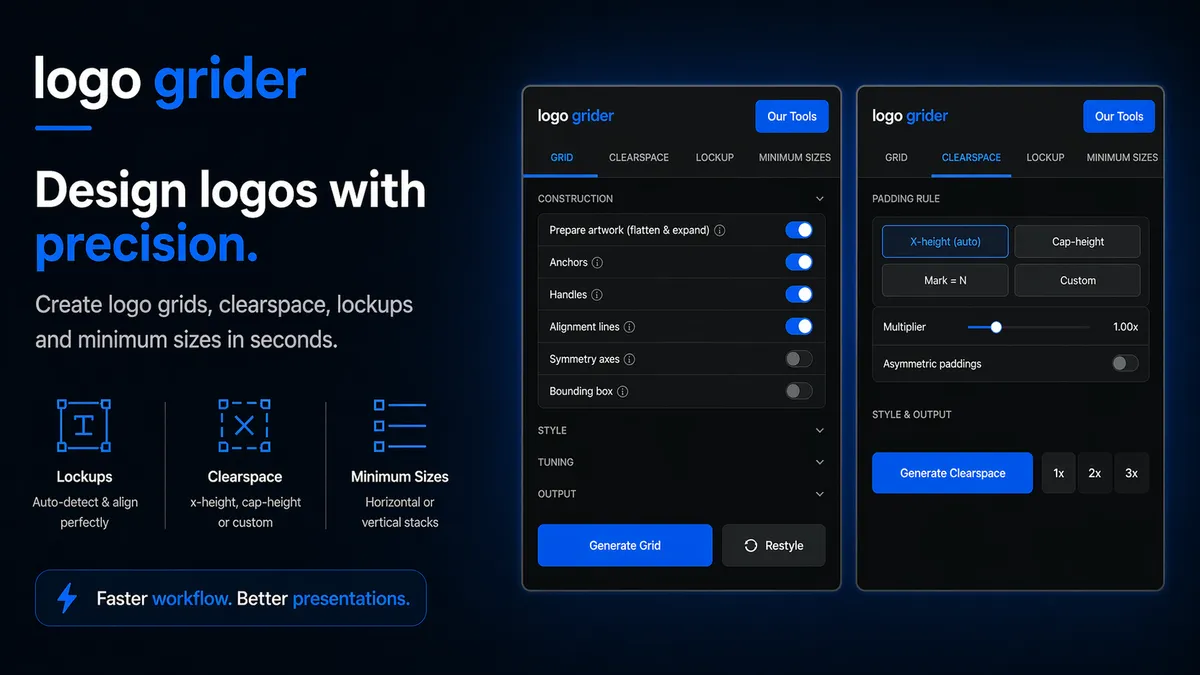
Logo Grider
Build logo grids, clear space rules, lockups, and minimum size systems in seconds. Logo Grider is a powerful Illustrator panel for logo designers.
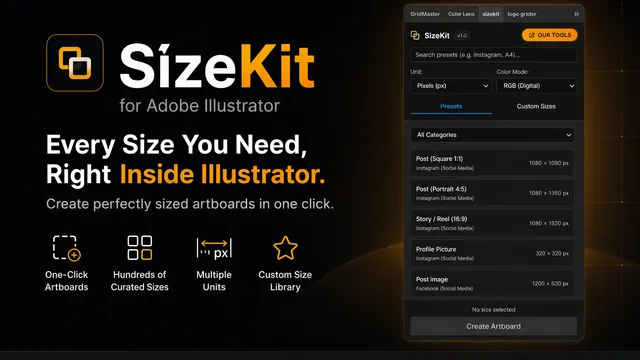
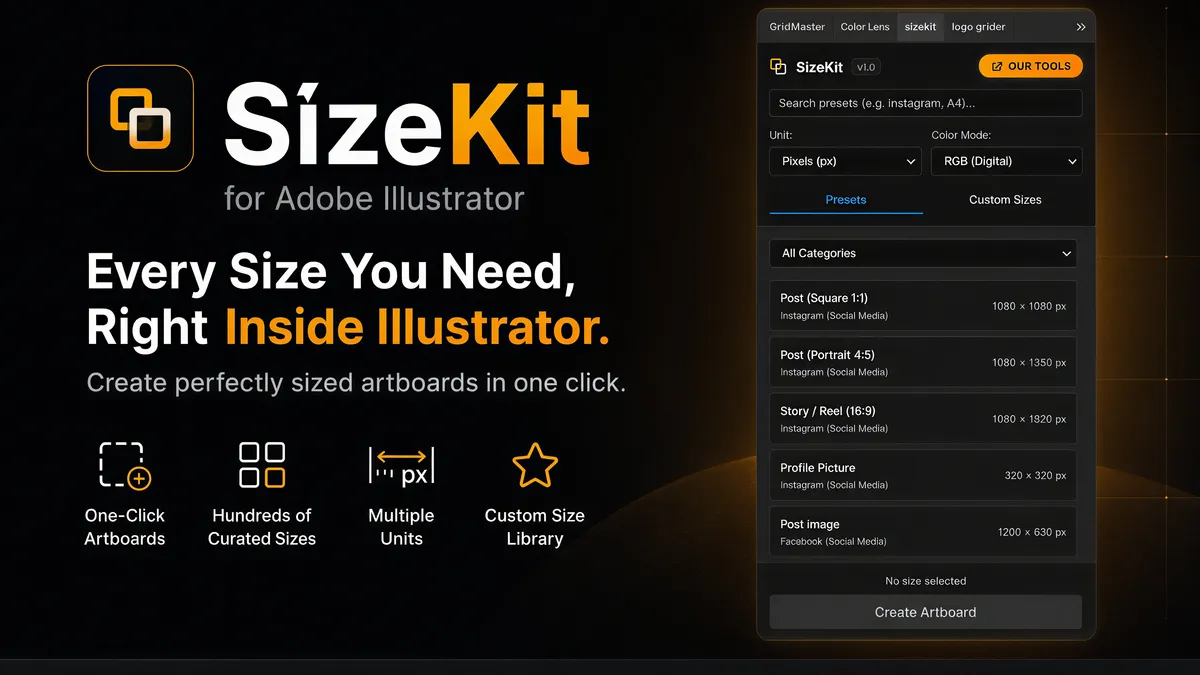
SizeKit
Create instant artboards for social media, print, packaging, and presentations. SizeKit is a design dimensions panel for Adobe Illustrator.
Curated Assets
Featured Templates
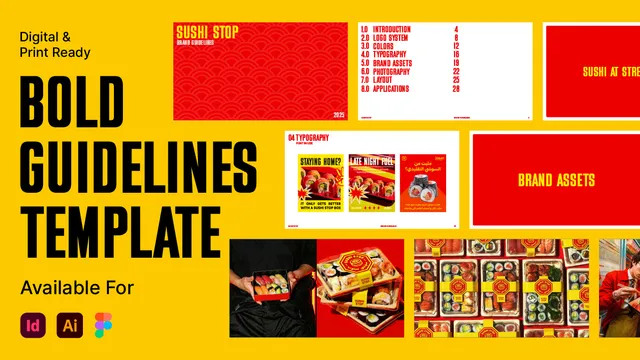
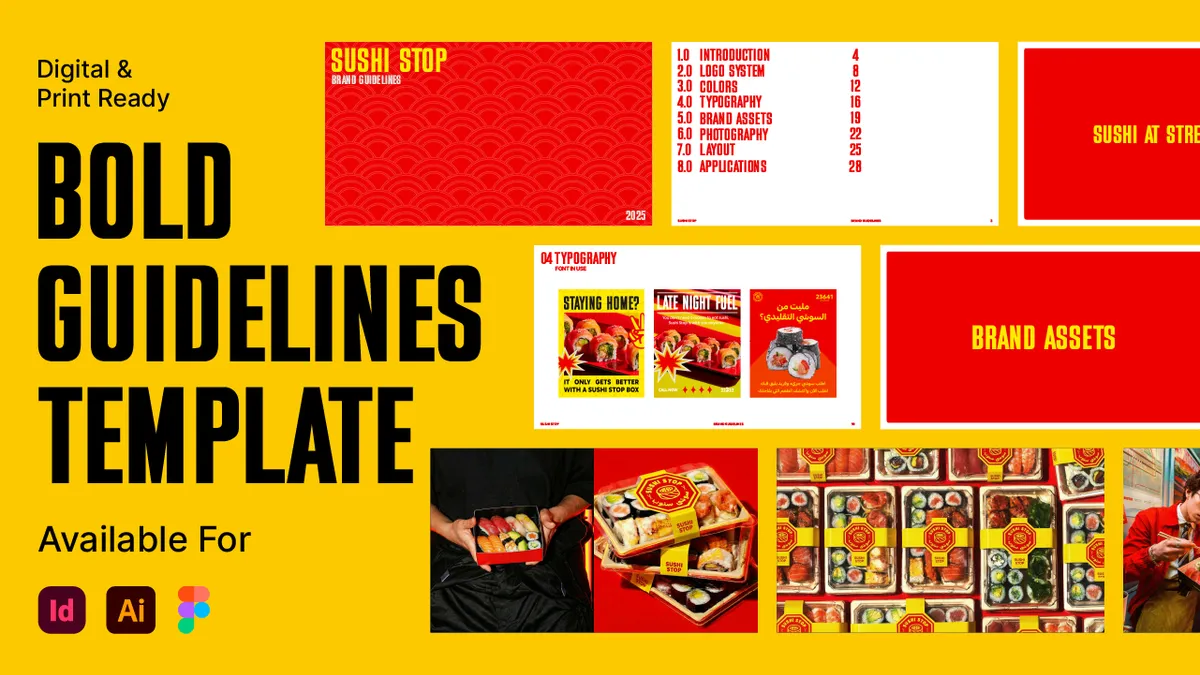
Bold Brand Guidelines Template
A high-performance landscape layout template for InDesign, Figma, and Illustrator. Deliver agency-level brand style guides to your clients.
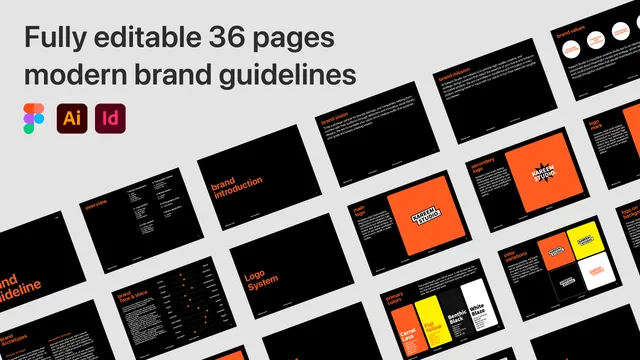
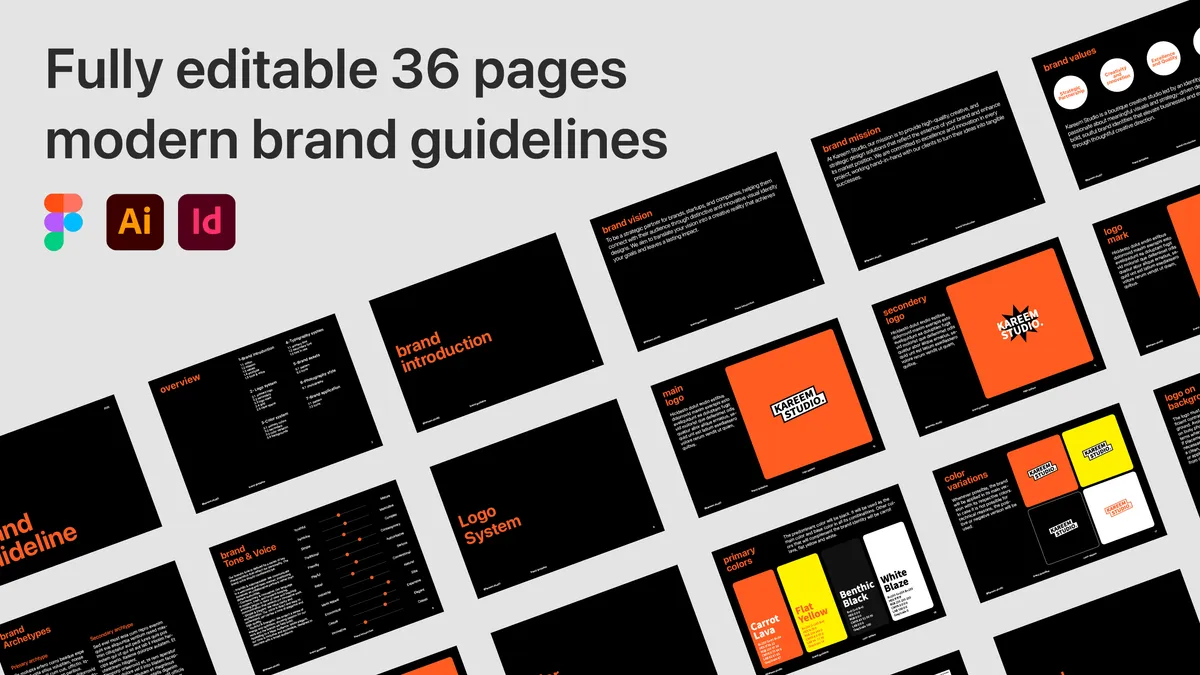
Ultimate Brand Guidelines Template
The ultimate 36-page professional brand guidelines template for Adobe Illustrator, InDesign, and Figma. Deliver agency-level brand books to clients.
Insights & Tutorials
Latest Articles
Golden Ratio vs. Rule of Thirds in Illustrator: Setup Math & Composition Grids
Master the Golden Ratio (1:1.618) and Rule of Thirds (3×3) in Adobe Illustrator. Exact vector math, step-by-step setup, and composition decision frameworks.
Multi-Artboard Grid Systems in Illustrator: Consistent Layout Guides for Brand Books
Learn how to set up, duplicate, and synchronize multi-artboard grid systems in Adobe Illustrator. Step-by-step shortcuts, ruler mechanics, and brand book standards.
Modular Grid vs. Column Grid: Which Layout Structure Fits Your Brand Guidelines?
Learn the structural differences between modular grids and column grids in Adobe Illustrator. Step-by-step setup, math rules, and brand guideline layout strategies.
Built by a Branding Designer for Branding Designers
KareemStudio was born out of frustration with repetitive, manual tasks in Adobe Illustrator. During years of craft-focused brand identity development, our founder realized how much creative flow is lost to aligning grids, manual exports, and file packaging. We build lightweight, native extension panels that live directly where you work—allowing you to focus on the art and science of brand design.
Stay in the Loop
Subscribe to our list to get product announcements, workflow tips, and new resource drops.