
SizeKit
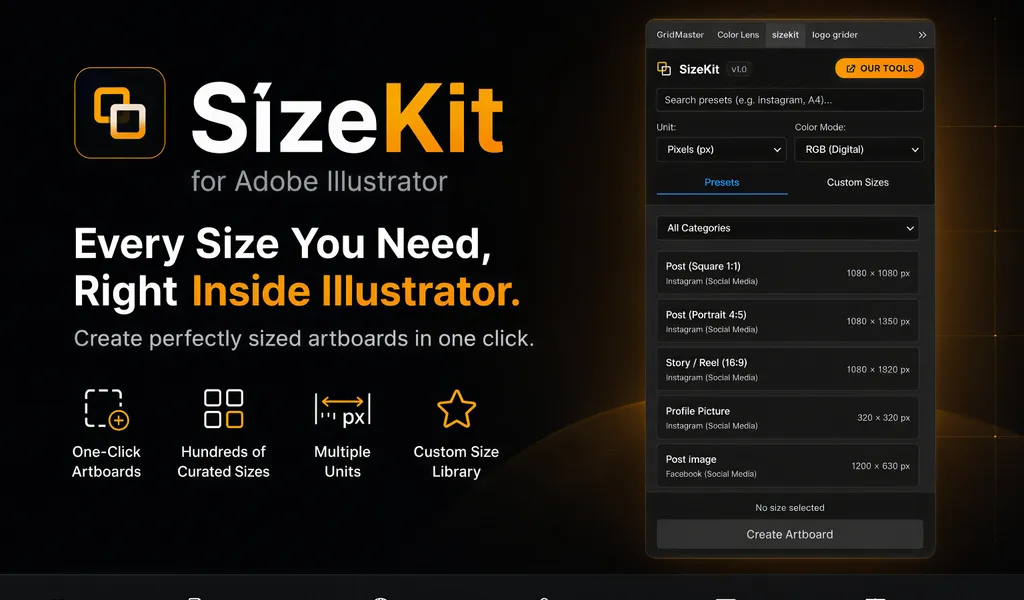
Create instant artboards for social media, print, packaging, and presentations. SizeKit is a design dimensions panel for Adobe Illustrator.
Get instant artboards for social media, branding, print, packaging, presentations, and more.
SizeKit is an Illustrator extension that gives you instant access to professionally curated dimensions for digital, branding, print, packaging, and marketing assets—all in one place.
Create perfectly sized artboards with a single click, or save your own custom presets for future projects.
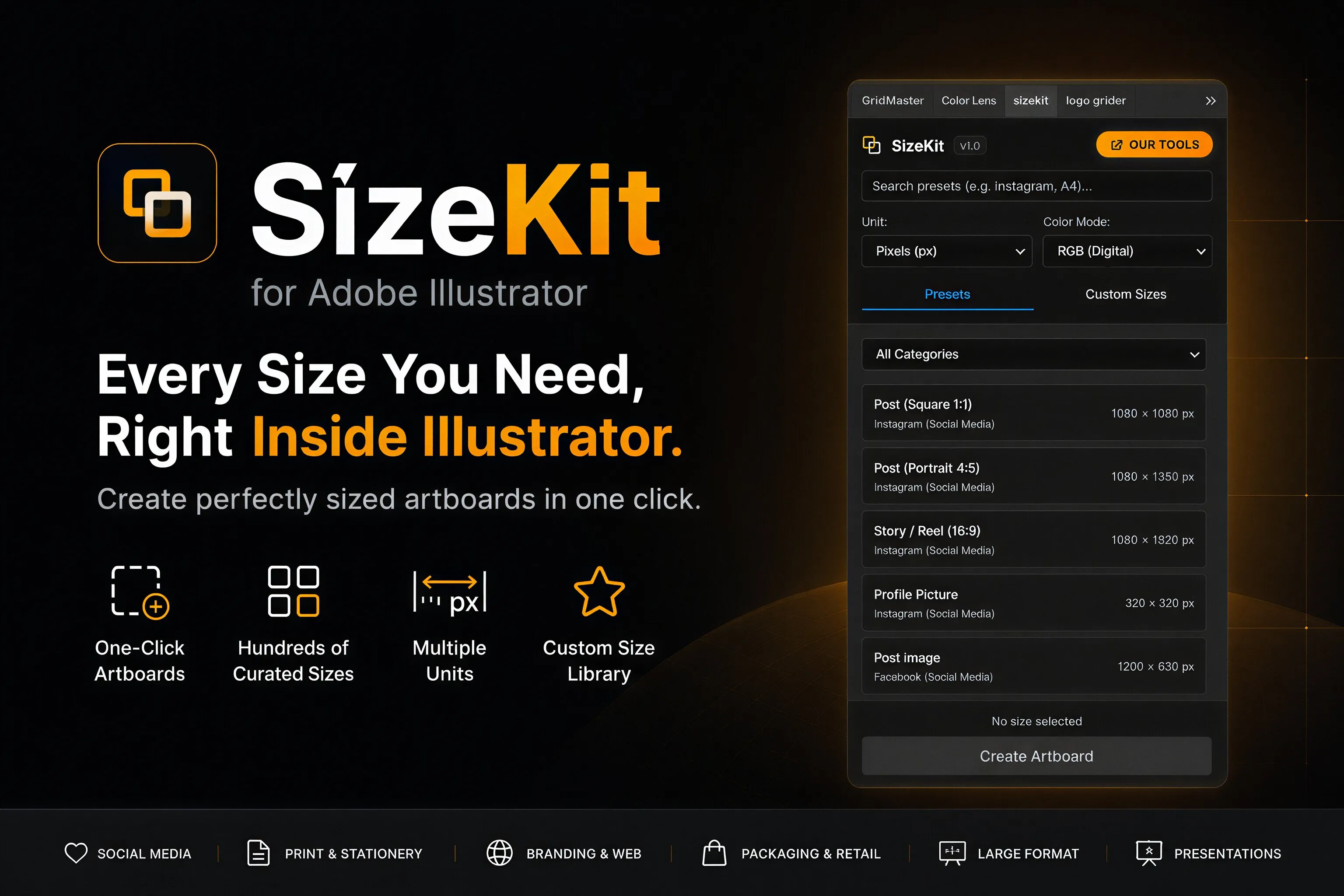
Presets Included
Social Media & Digital
- Instagram: Posts, stories, reels, profiles, and landscapes.
- Facebook, X (Twitter), LinkedIn, Behance, YouTube, Pinterest, TikTok: Banners, posts, thumbnails, and header images.
Web & UI Branding
- Open Graph (OG) Images
- Email Signatures
- App Icons & Favicons
- Hero Banners
Stationery & Corporate Identity
- Business Cards: US, European, Japanese, and Square options.
- Letterheads, envelopes, compliment slips, and presentation folders.
Brochures & Marketing
- Flyers, Tri-Fold brochures, menus, and marketing handouts.
Packaging & Retail
- Shopping bags, hangtags, swing tags, product labels, and wine labels.
Large Format
- Roll-up banners, posters, and scaled billboards.
Brandbooks & Presentations
- Brand guidelines templates, corporate reports, presentation decks, and PDF ratios.
Features
- One-Click Creation: Generate artboards instantly without manual inputs.
- Save Custom Presets: Add your own signature ratios to a personal library folder.
- Unit Support: Works seamlessly in pixels, points, millimeters, centimeters, and inches.
- Built-in Workspace Panel: Seamlessly dock the window with your properties panel.
Frequently Asked Questions
Why is it free?
We want to provide designers with a baseline layout utility to remove the friction of looking up standard artboard sizes online.
Can I add my own custom presets?
Yes, SizeKit allows you to define and save custom width, height, and unit parameters for your recurring project layouts.
Are bleeds supported?
Print categories automatically suggest standard bleed zones (e.g. 3mm for European layouts) when generating artboards.
Related Panels
ColorLens
Generate palettes, check WCAG contrast, extract image colors, and export specification sheets directly inside Adobe Illustrator with ColorLens.
GridMaster
Create precise, professional vector layouts in seconds. GridMaster generates column, modular, baseline, and composition grids in Illustrator.
Tutorials & Guides
Baseline Grid in Illustrator: How to Align Typography and Vertical Rhythm
Master typographic baseline grids in Adobe Illustrator. Learn leading math, Preferences configuration, and Area Type first baseline offset alignment.
Golden Ratio vs. Rule of Thirds in Illustrator: Setup Math & Composition Grids
Master the Golden Ratio (1:1.618) and Rule of Thirds (3×3) in Adobe Illustrator. Exact vector math, step-by-step setup, and composition decision frameworks.