
ColorLens
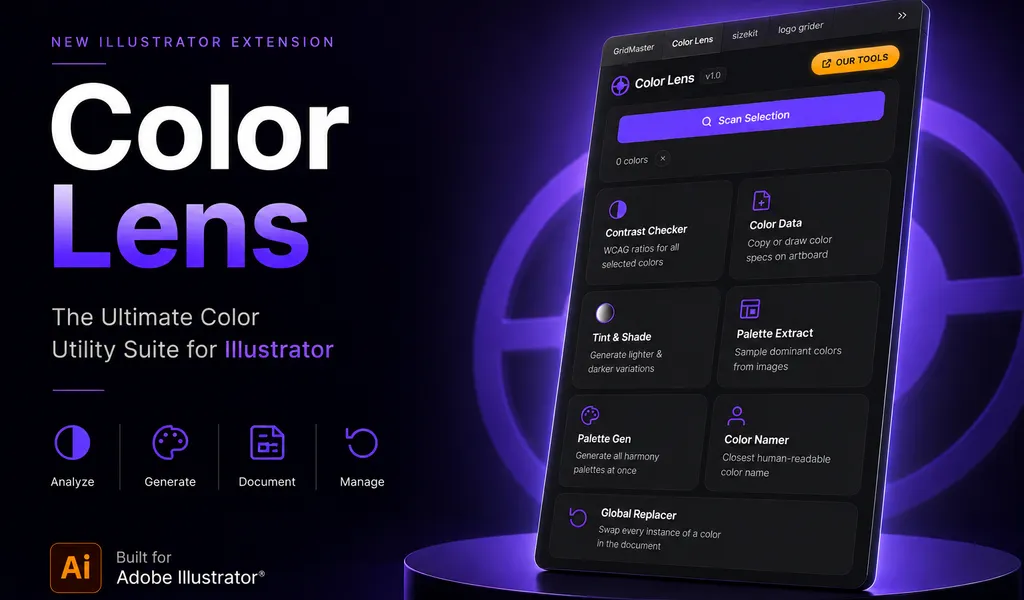
Generate palettes, check WCAG contrast, extract image colors, and export specification sheets directly inside Adobe Illustrator with ColorLens.
Stop jumping between websites, plugins, and manual workflows. ColorLens brings palette generation, accessibility checks, image color extraction, color documentation, and global color management directly into Adobe Illustrator. Analyze, generate, document, and manage color—all in one place.
What’s Included
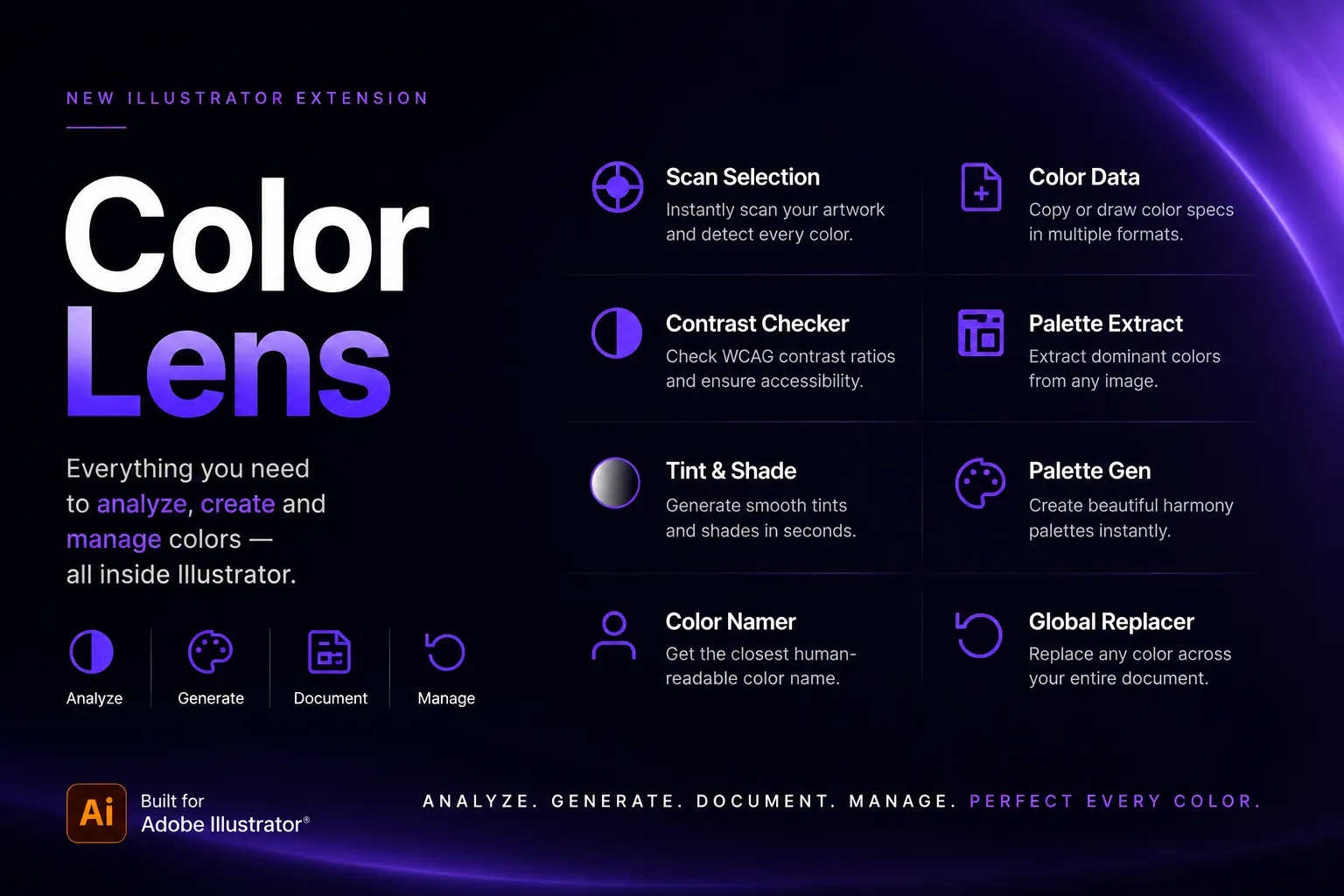
- Extract Dominant Colors: Get the main colors from placed pixel images instantly.
- Harmony Palettes: Generate professional palettes based on color theory (monochromatic, analogous, triad, etc.) with a single click.
- Accessibility Verification: Check WCAG contrast ratios to ensure your brand palettes meet legibility standards.
- Tints & Shades Generator: Build smooth color scales and tints in seconds.
- Auto-Identify & Name: Automatically assign natural names to your colors.
- Color Specs Sheets: Instantly generate clean documentation showing HEX, RGB, CMYK, and print values.
- Global Search & Replace: Swap colors across your entire document automatically.
Perfect For
- Brand & Identity Designers
- Graphic Designers & Vector Artists
- UI & Digital Product Designers
- Creative Agencies & Freelancers
Compatibility
- Adobe Illustrator CC 2022 (v26.0) or newer
- Windows 10+ and macOS 10.15+ (Apple Silicon supported)
Frequently Asked Questions
What is the WCAG accessibility contrast check?
ColorLens analyzes selected colors and compares their contrast ratio against the Web Content Accessibility Guidelines (WCAG) standard directly on your artboard, verifying compliance for text readability.
What formats can I export?
You can generate professional color specification sheets containing HEX, RGB, CMYK, and Pantone approximations, ready to share with clients or developers.
Is ColorLens a subscription?
No. ColorLens is a one-time purchase ($20) with lifetime free updates.
Related Panels
GridMaster
Create precise, professional vector layouts in seconds. GridMaster generates column, modular, baseline, and composition grids in Illustrator.
SizeKit
Create instant artboards for social media, print, packaging, and presentations. SizeKit is a design dimensions panel for Adobe Illustrator.
Tutorials & Guides
Baseline Grid in Illustrator: How to Align Typography and Vertical Rhythm
Master typographic baseline grids in Adobe Illustrator. Learn leading math, Preferences configuration, and Area Type first baseline offset alignment.
Golden Ratio vs. Rule of Thirds in Illustrator: Setup Math & Composition Grids
Master the Golden Ratio (1:1.618) and Rule of Thirds (3×3) in Adobe Illustrator. Exact vector math, step-by-step setup, and composition decision frameworks.