
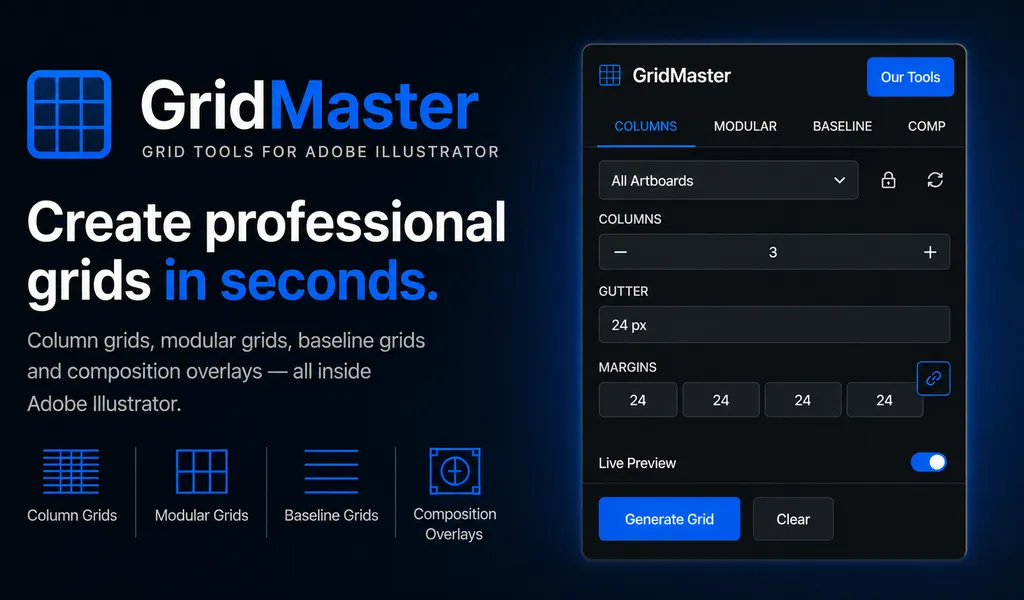
GridMaster
Create precise, professional vector layouts in seconds. GridMaster generates column, modular, baseline, and composition grids in Illustrator.
Create precise, professional grids in seconds right inside Adobe Illustrator. Design faster with column, modular, baseline, and composition grid systems.
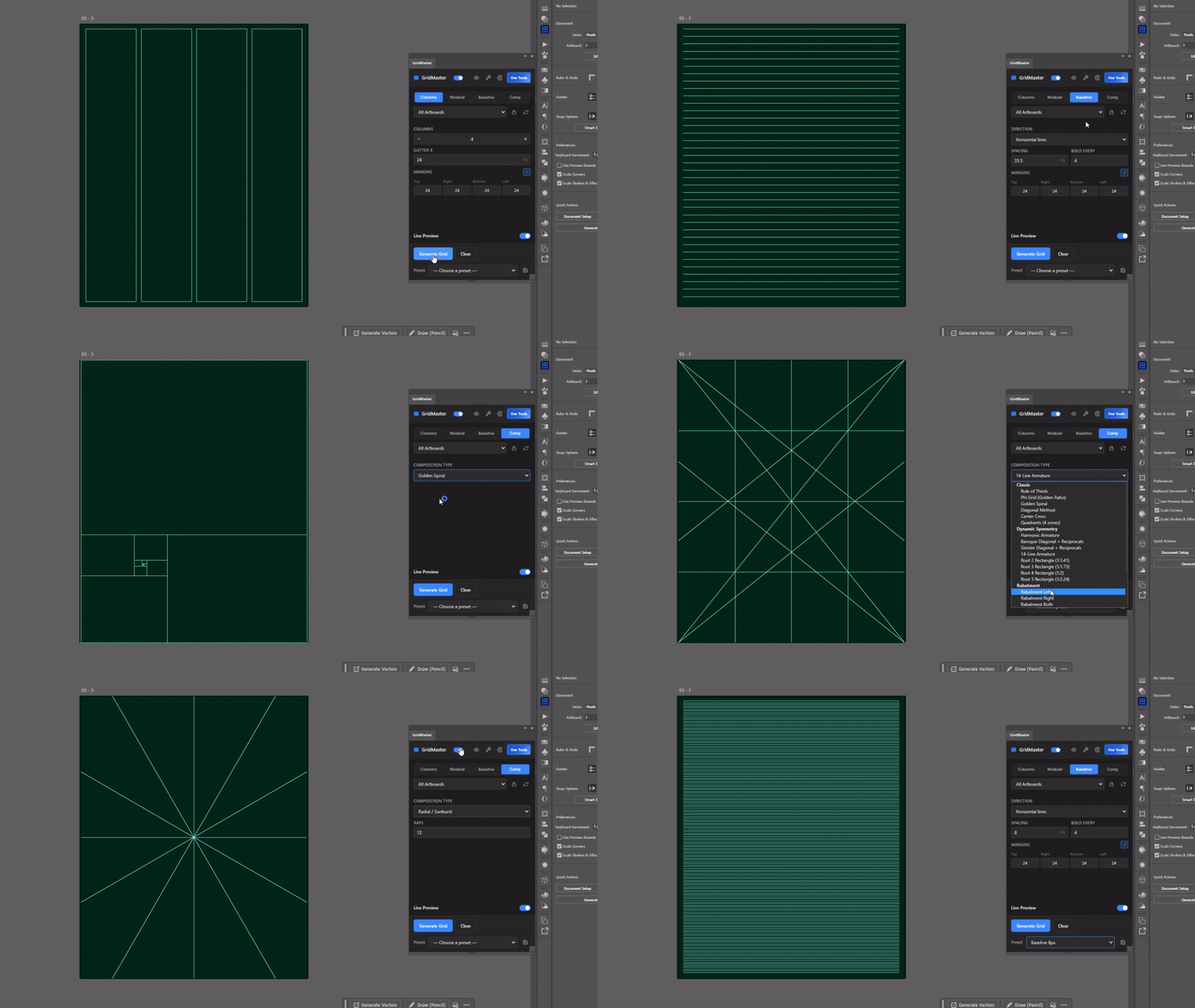
GridMaster is a powerful Illustrator panel built to simplify and speed up your layout workflow. Instead of manually setting up grids, you can generate column, modular, baseline, and advanced composition grids directly on any artboard with just a few clicks.
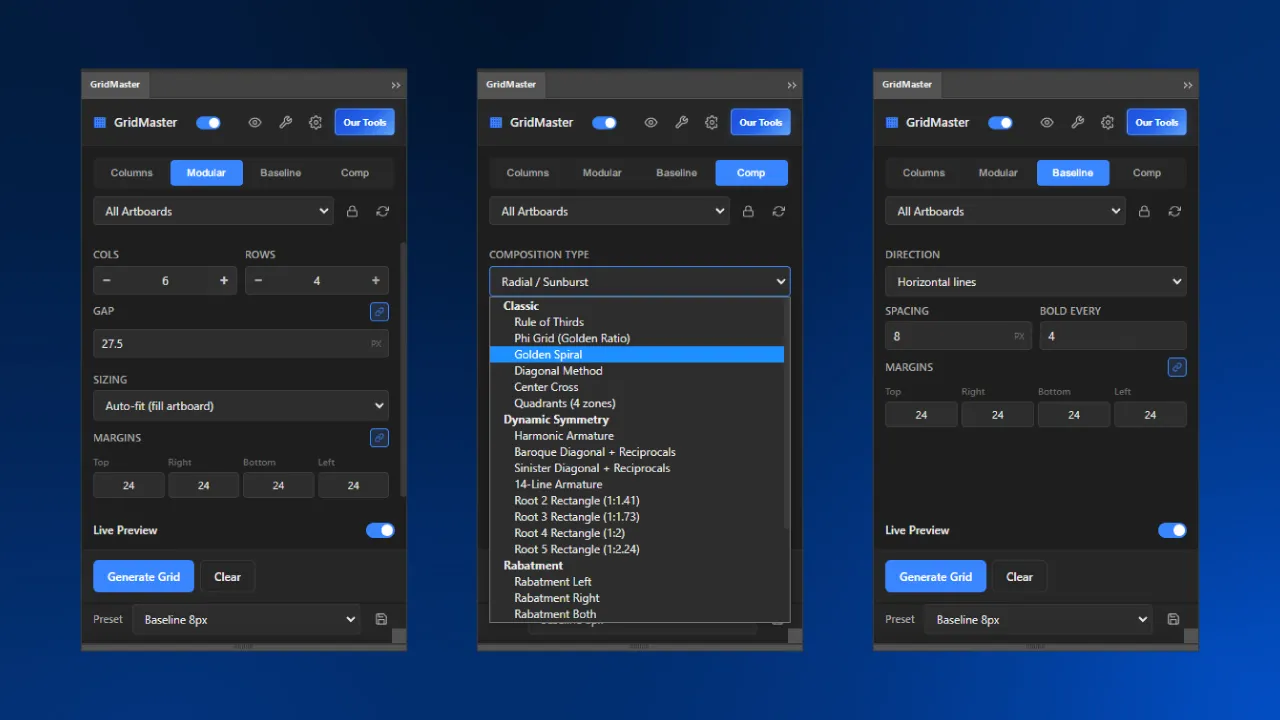
Designed for graphic designers, UI/UX designers, and layout-focused creatives, GridMaster gives you full control over columns, gutters, margins, and alignment systems—all within a clean, easy-to-use interface. Whether you’re building structured layouts or experimenting with classic composition techniques like the Rule of Thirds or Golden Ratio, GridMaster helps you stay precise and consistent across your designs.
Key Features
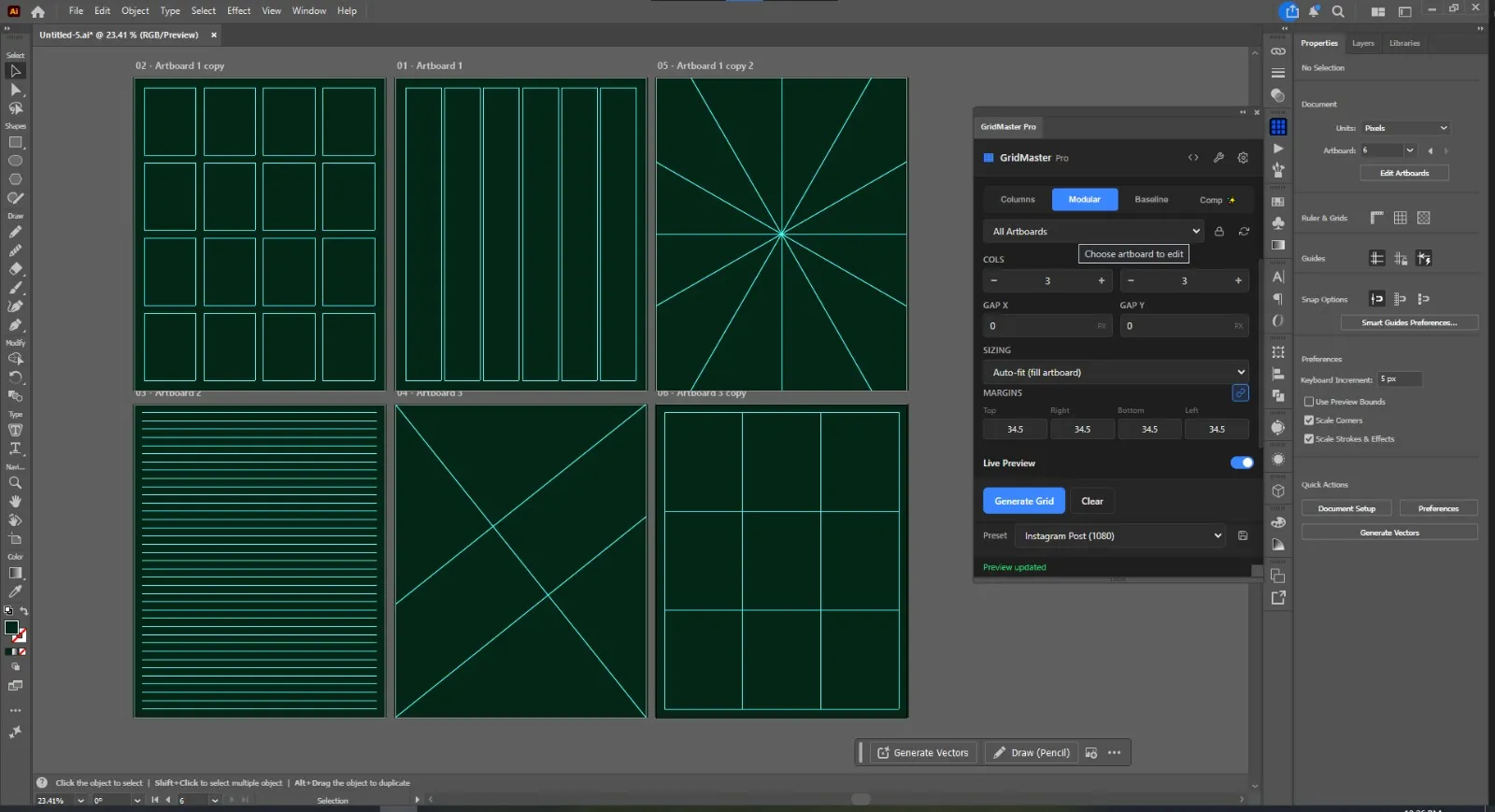
- Column Grids: Generate columns with custom counts, margins, and gutter widths.
- Modular & Baseline Grids: Build grid meshes and baseline systems for typographic layout control.
- Composition Overlays: Instantly apply Rule of Thirds, Golden Ratio, and diagonal alignment templates.
- Artboard Locking: Lock grids per artboard to prevent accidental vector shifts while drawing.
- Real-Time Preview: Slide values and watch grids update instantly before applying.
Requirements
- Adobe Illustrator: CC 2022 (v26.0) or newer.
- OS Support: Windows 10+ and macOS 10.15 (Catalina) or newer.
Copyright & Licensing Notice: This product, including all associated files and code, is for personal use only. Any form of reselling, sharing, or redistribution is strictly prohibited without explicit written approval from the owner.
Frequently Asked Questions
Which versions of Adobe Illustrator are supported?
GridMaster supports Adobe Illustrator CC 2022 (v26.0) and all newer versions on both Windows and macOS.
What composition guides are available?
It includes Rule of Thirds, Golden Ratio, Golden Spiral, and diagonal overlay systems.
Is this a one-time purchase?
Yes, purchasing GridMaster ($30) grants a lifetime license with all future updates included.
Related Panels
ColorLens
Generate palettes, check WCAG contrast, extract image colors, and export specification sheets directly inside Adobe Illustrator with ColorLens.
Logo Grider
Build logo grids, clear space rules, lockups, and minimum size systems in seconds. Logo Grider is a powerful Illustrator panel for logo designers.
Tutorials & Guides
Baseline Grid in Illustrator: How to Align Typography and Vertical Rhythm
Master typographic baseline grids in Adobe Illustrator. Learn leading math, Preferences configuration, and Area Type first baseline offset alignment.
How to Create Layout Grids in Adobe Illustrator: Column, Modular & Baseline Systems
Master Illustrator layout grids. A complete technical guide covering 12-column grids, modular design, baseline grids, grid lines, and GridMaster automation.