
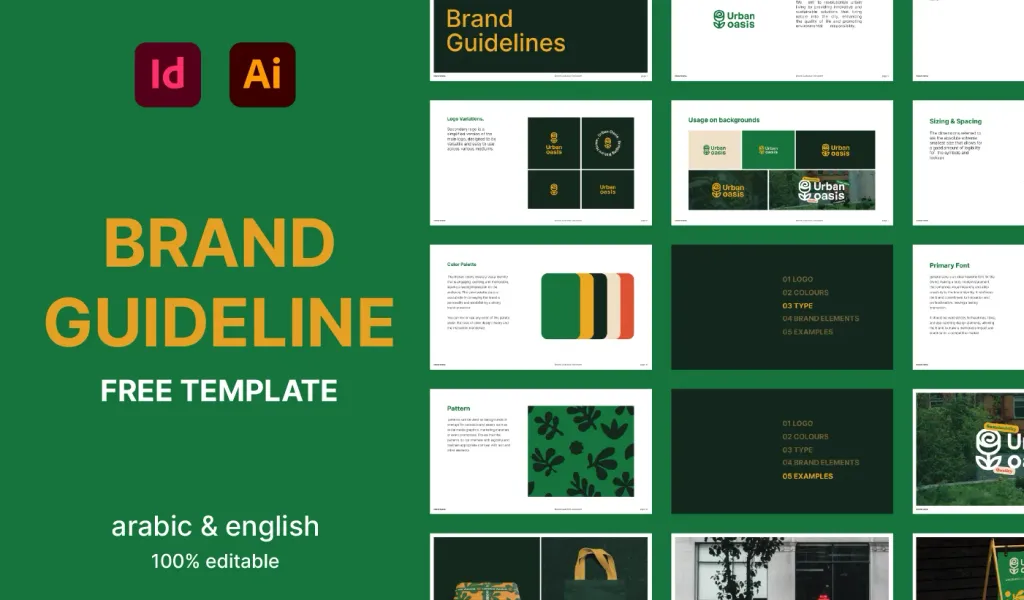
Free Brand Guidelines Template
A clean brand guidelines template fully editable in Adobe Illustrator and InDesign. Ideal for freelancers and agencies organizing brand rules.
Establish a strong and consistent brand identity with this easy-to-use Free Brand Guideline Template. Whether you’re a designer, agency, or business owner, this template will help you organize and present branding elements professionally.
If you find it valuable, consider leaving a tip to support our studio!
What’s Included:
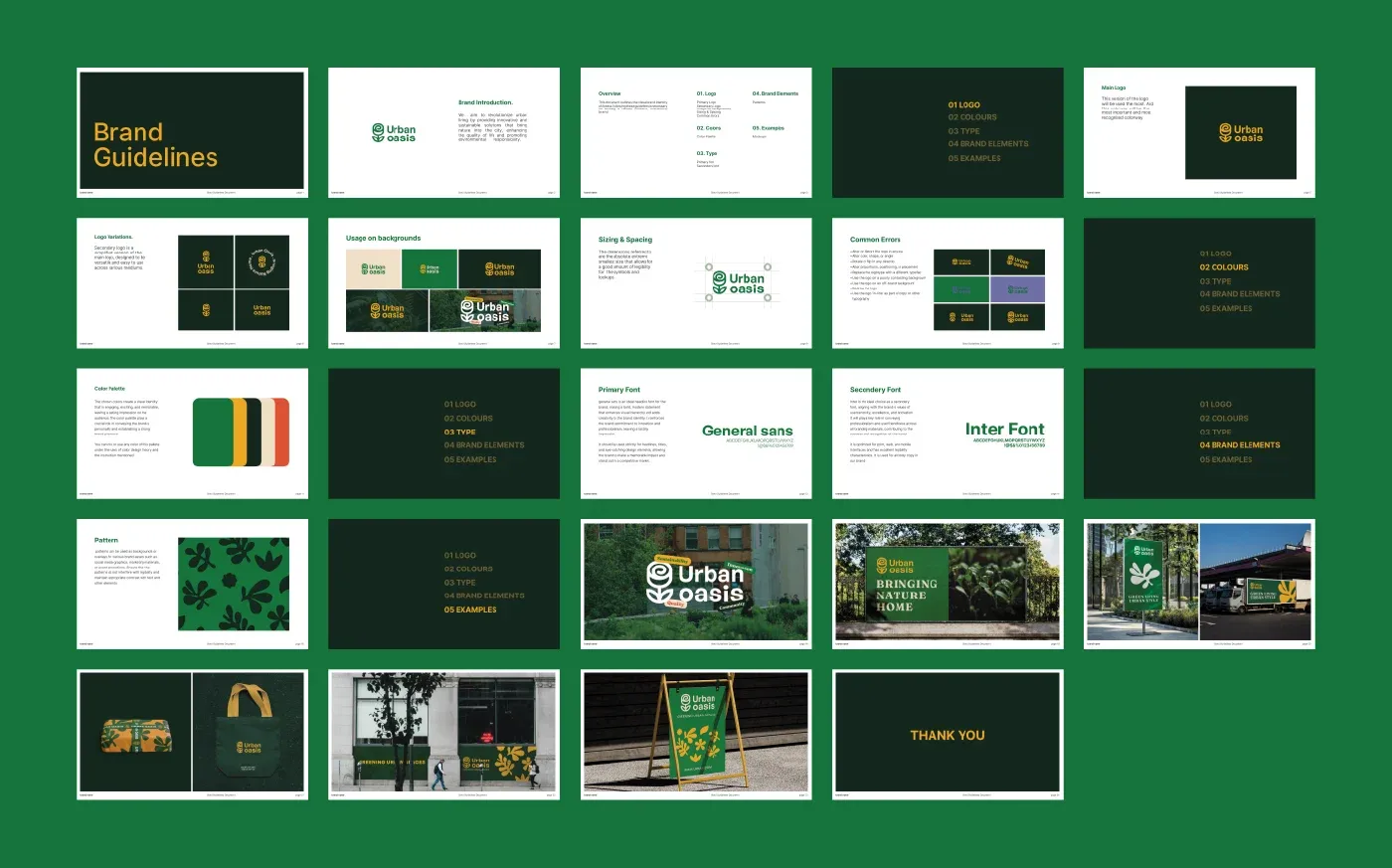
- Logo Variations: Define rules for primary, secondary, and sub-mark vector usage.
- Color & Typography: Define your brand color system and typography specifications.
- Brand Patterns: Display visual assets and brand patterns clearly.
- Real-World Applications: Pre-designed blocks to present logo mockups.
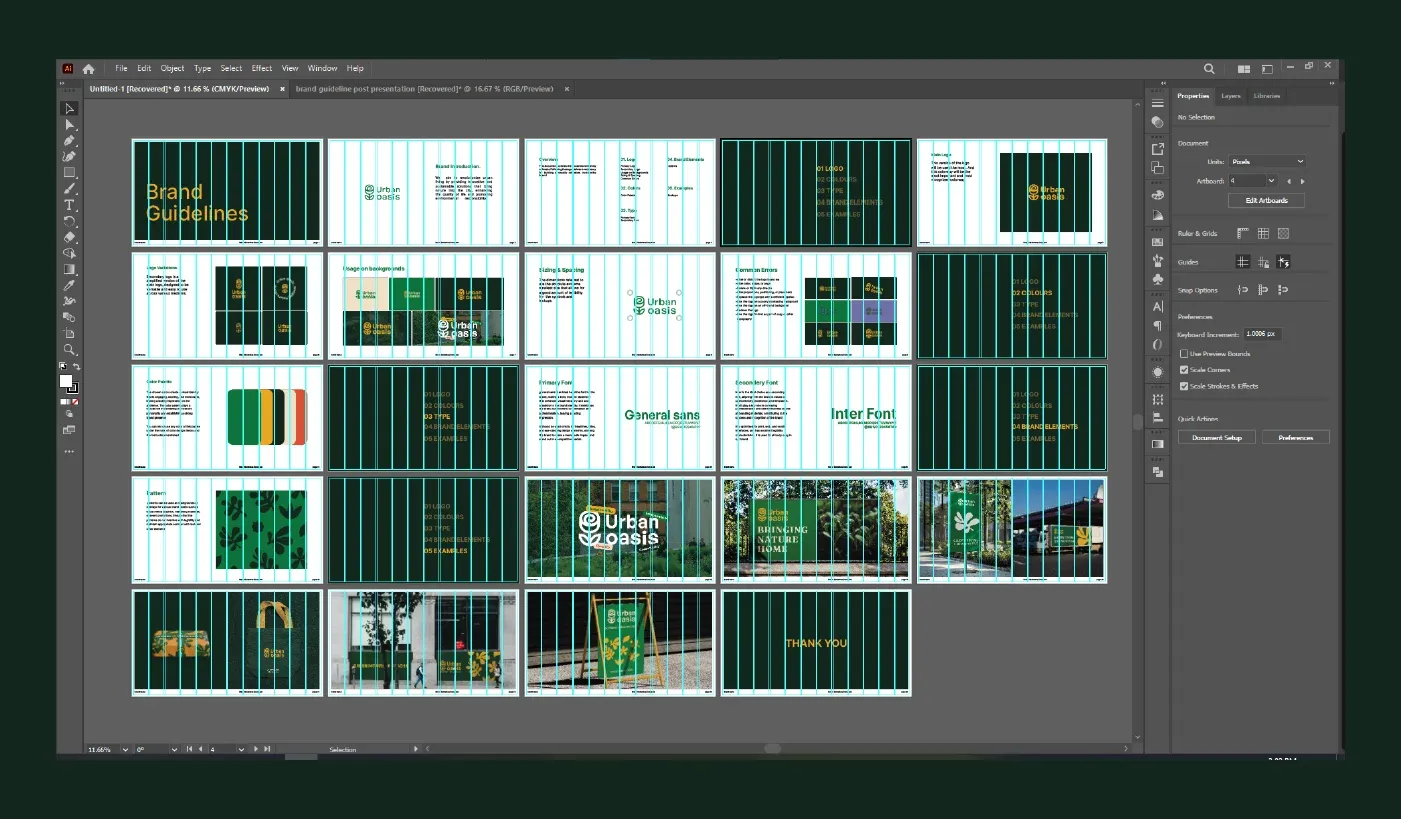
- Source Formats: Adobe Illustrator (.AI) and Adobe InDesign (.INDD) files.
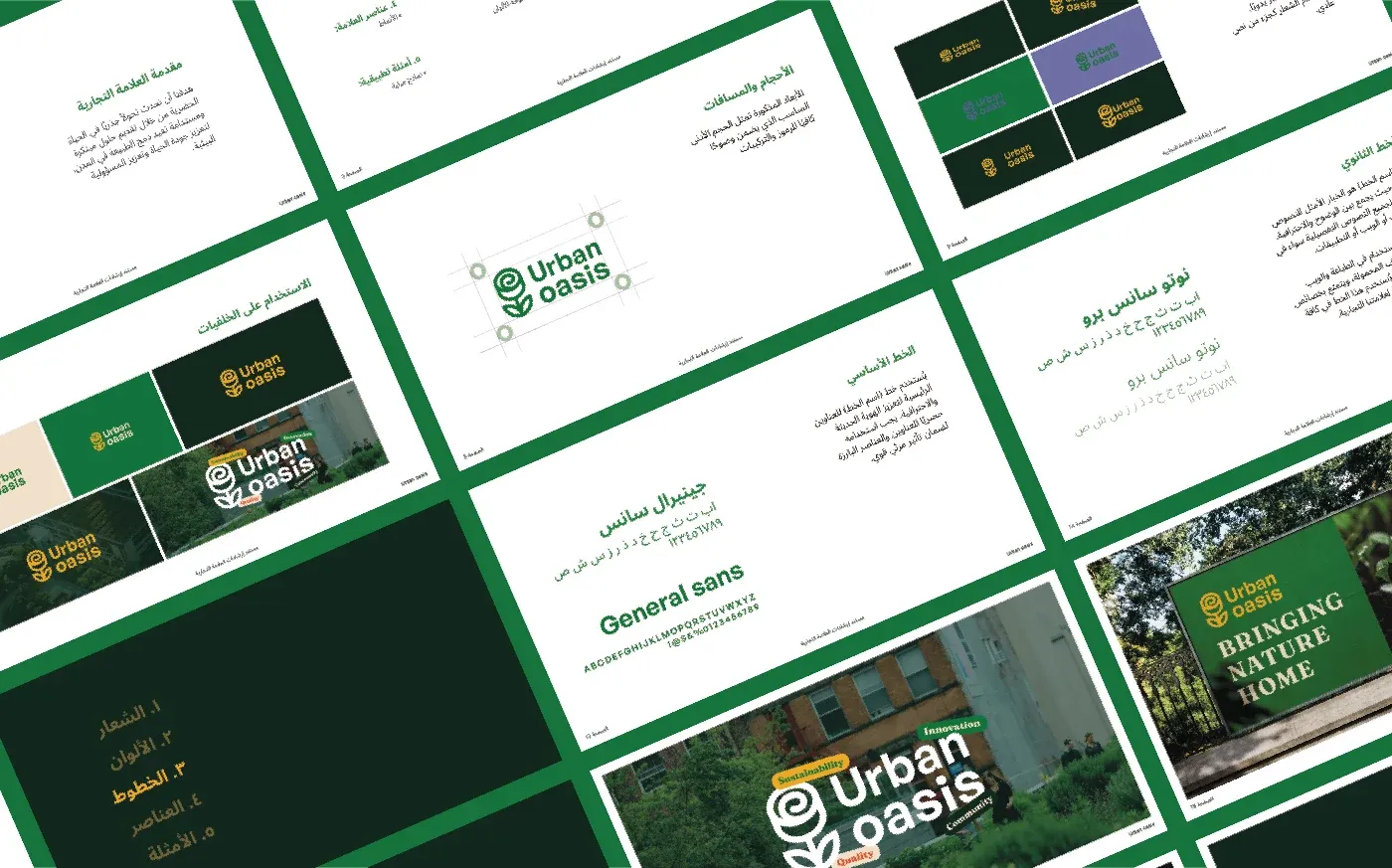
- Multilingual Ratios: Designed with flexible grids to support both English and Arabic translations.
Why Choose This Template?
- Saves Time: Pre-structured formatting gets your style guide done in minutes.
- Modern Style: Designed for clean, minimal, Swiss-inspired brand guidelines.
- Fully Customizable: Swap out colors, typography, logos, and layout frames easily.
Licensing Terms
- Personal & commercial client projects allowed.
- Not for resale, distribution, or white-label repackaging.
Related Assets
Bold Brand Guidelines Template
A high-performance landscape layout template for InDesign, Figma, and Illustrator. Deliver agency-level brand style guides to your clients.
Ultimate Brand Guidelines Template
The ultimate 36-page professional brand guidelines template for Adobe Illustrator, InDesign, and Figma. Deliver agency-level brand books to clients.
Identity Guides
Baseline Grid in Illustrator: How to Align Typography and Vertical Rhythm
Master typographic baseline grids in Adobe Illustrator. Learn leading math, Preferences configuration, and Area Type first baseline offset alignment.
How to Calculate Logo Clear Space: Spacing Ratios, Safety Zones & Exclusion Rules
Master logo clear space math. Technical guide covering x-height formulas, exclusion zones, safe areas, vector margins, and automated Illustrator tools.