
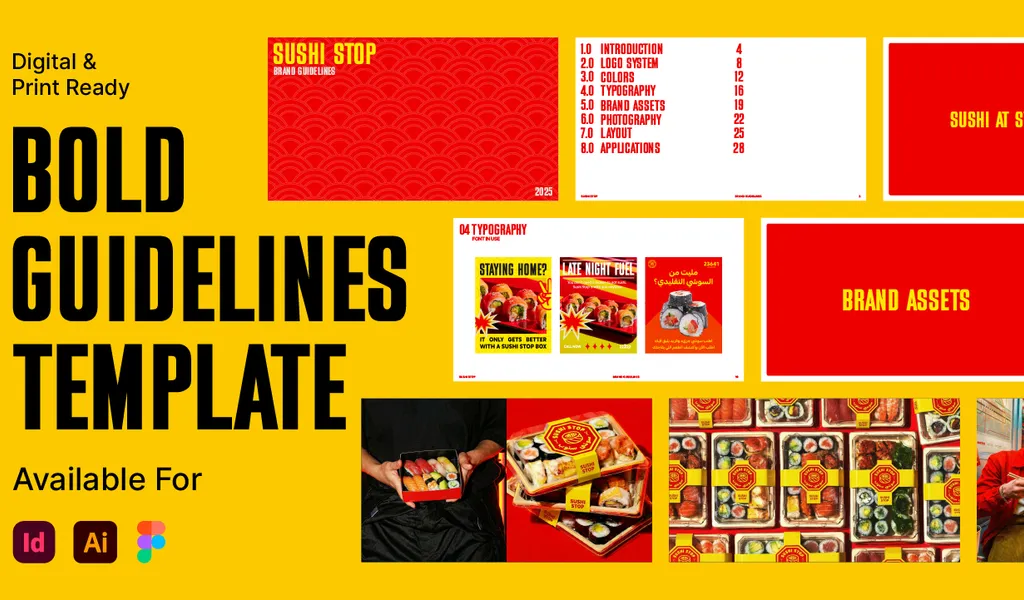
Bold Brand Guidelines Template
A high-performance landscape layout template for InDesign, Figma, and Illustrator. Deliver agency-level brand style guides to your clients.
Stop wasting hours on manual layout work and focus on what you do best: designing. The Bold Brand Guideline Template is a high-performance framework built by a designer, for designers, to help you reclaim your time without sacrificing quality.
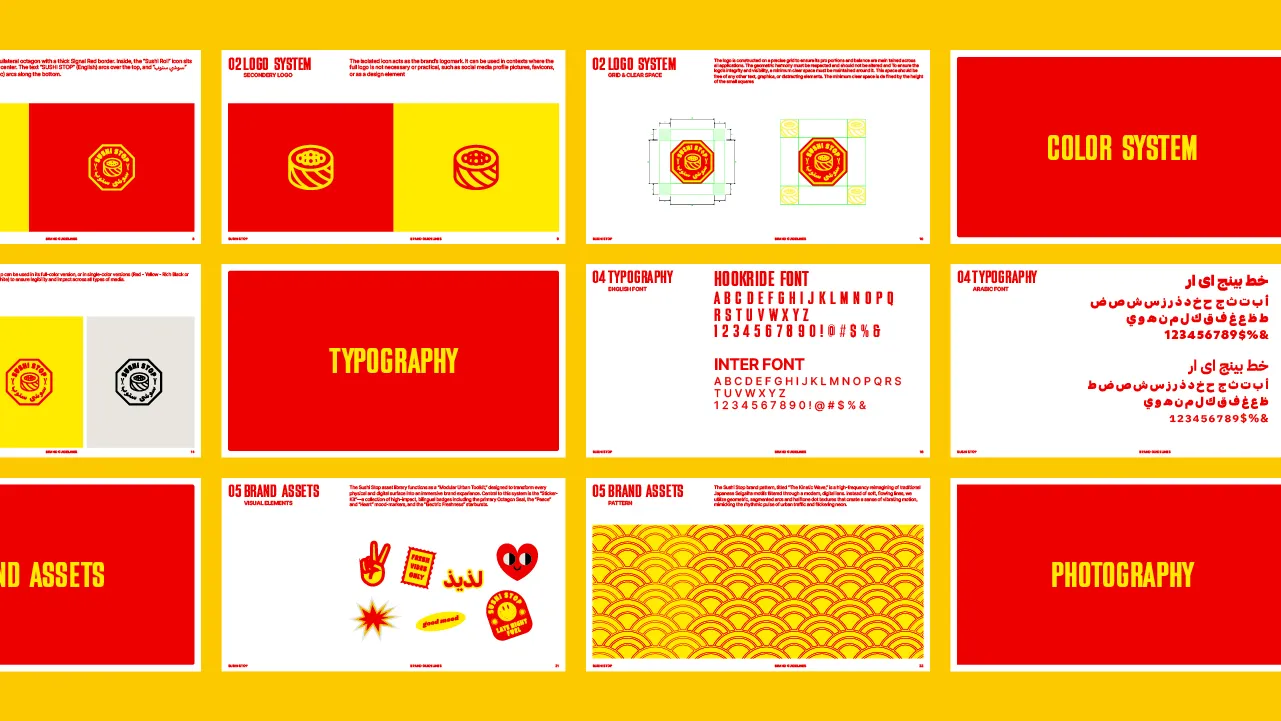
What is the Brand Guidelines Template?
This template allows you to simply drop in your client’s logo, images, brand colors, and typography, and you’re good to go. We have done all the hard layout work for you. Print as-is or export and send to clients as a presentation PDF.
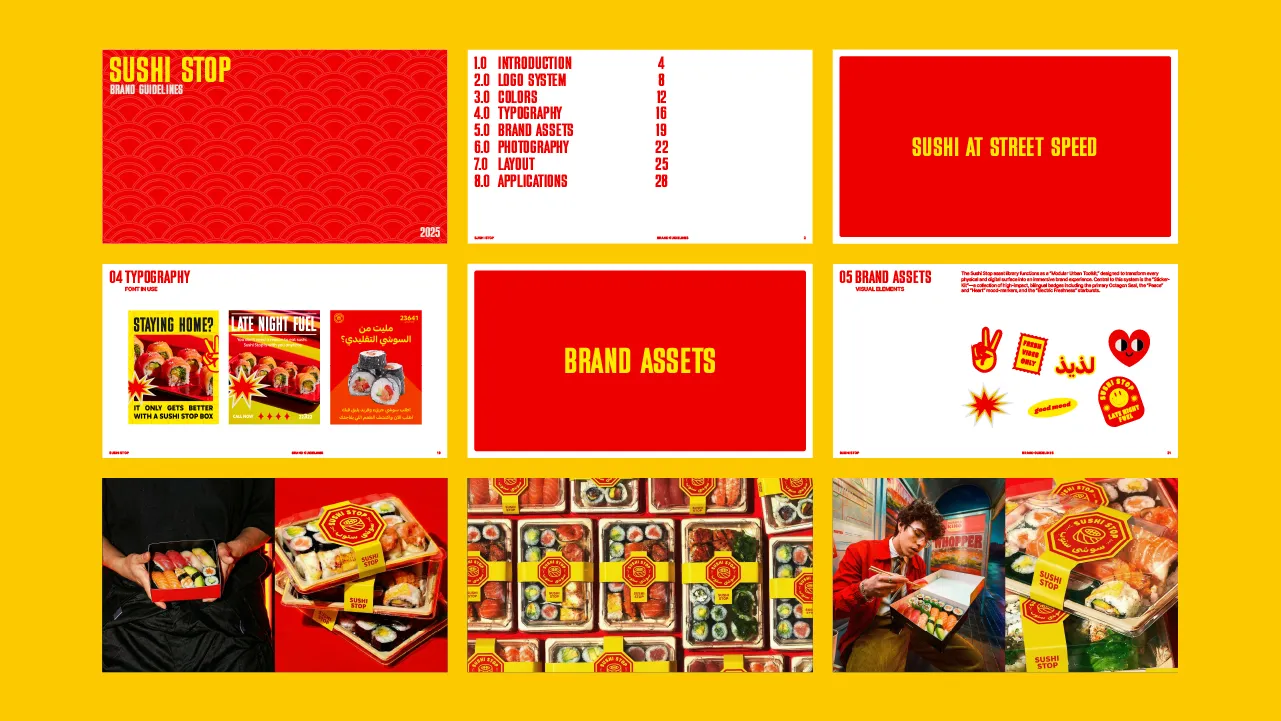
Features & Specifications
- Multi-Software Support: Fully compatible source files included for Adobe InDesign, Adobe Illustrator, and Figma.
- Modern Landscape Layout: 1920 x 1080px resolution is optimized for client presentations and high-definition screens.
- Modular Grid System: Built on a precise 121-field grid structure (11 columns by 11 rows) for balanced layout architecture.
- Easy Styles Setup: Pre-configured Title and Paragraph styles in InDesign/Illustrator, and components in Figma.
- Customizable Assets: Edit fonts, color palettes, spacing guides, and text templates with ease.
- Asset Links: Package includes recommendations and links for fonts used in the layout.
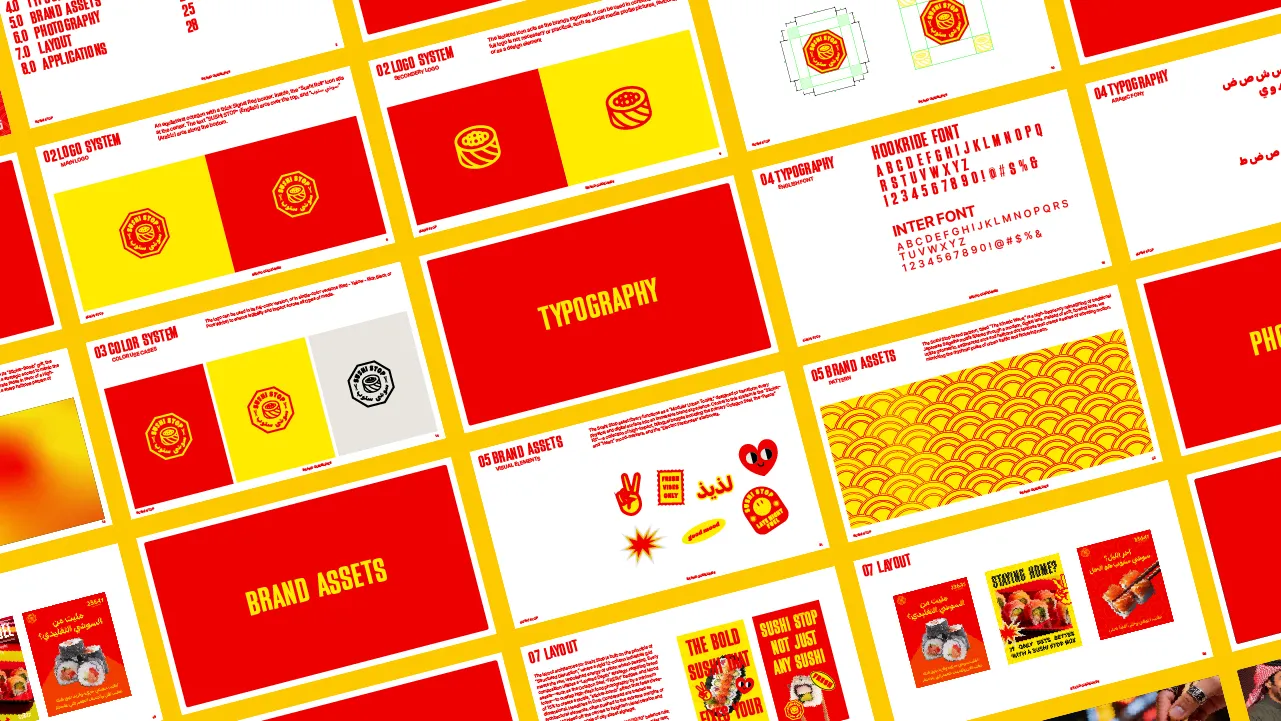
Related Assets
Ultimate Brand Guidelines Template
The ultimate 36-page professional brand guidelines template for Adobe Illustrator, InDesign, and Figma. Deliver agency-level brand books to clients.
Free Brand Guidelines Template
A clean brand guidelines template fully editable in Adobe Illustrator and InDesign. Ideal for freelancers and agencies organizing brand rules.
Identity Guides
Baseline Grid in Illustrator: How to Align Typography and Vertical Rhythm
Master typographic baseline grids in Adobe Illustrator. Learn leading math, Preferences configuration, and Area Type first baseline offset alignment.
How to Calculate Logo Clear Space: Spacing Ratios, Safety Zones & Exclusion Rules
Master logo clear space math. Technical guide covering x-height formulas, exclusion zones, safe areas, vector margins, and automated Illustrator tools.